Creature Creation
in ZBrush
From concept sketch to portfolio-ready piece. Across 10 weeks you'll take a professionally developed creature concept through the full production pipeline - sculpting, retopology, texturing, lighting and rendering in ZBrush.
From Concept to Portfolio
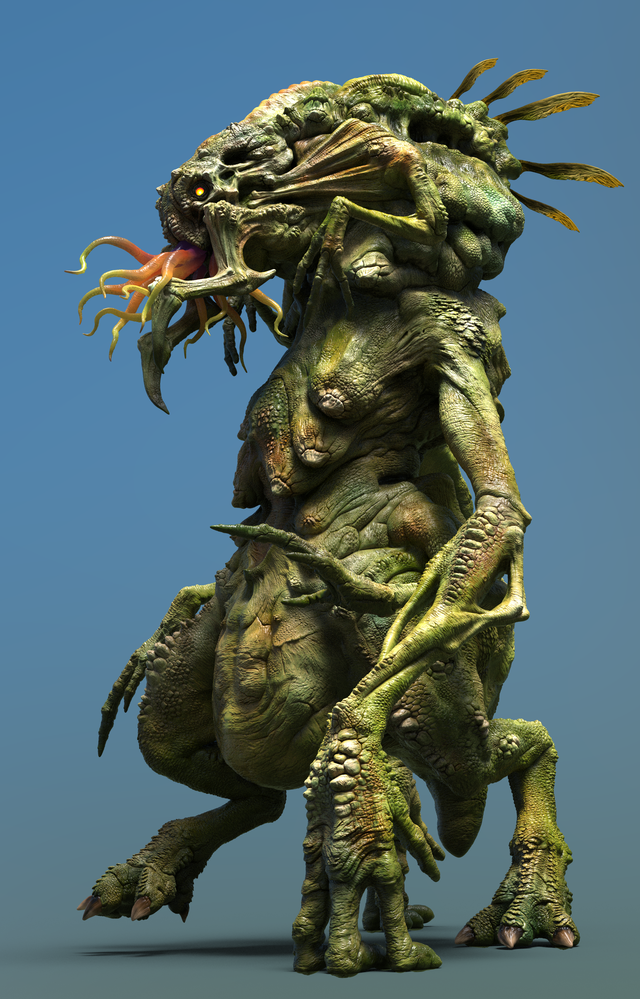
You'll choose from a library of professionally developed creature concept sketches by renowned concept artist Bobby Rebholz - each at a different level of complexity - and work through the full ZBrush pipeline to create a compelling, portfolio-ready piece.
Across 10 guided lessons you'll cover sculpting from block-out to tertiary detail, creating custom tools and brushes, retopology, UV mapping, polypaint texturing, posing, lighting and rendering - finishing with a turntable video and final renders.
Throughout the course your mentor will be available for 1-2-1 breakout sessions and can access and annotate your ZBrush files directly - giving you the kind of specific, hands-on feedback you won't find in online tutorials.
Entry Requirements
This course is designed for intermediate level artists looking to build a strong creature art portfolio piece. You should have a working knowledge of:
- ZBrush - basic sculpting and navigation
- General 3D fundamentals (forms, topology awareness)
- Photoshop or equivalent for compositing final renders
- Optional: Maya, Blender or 3D Coat (used for retopology)
Not sure if you're ready? Apply anyway - we'll assess your current level on your fit call and be honest about whether this is the right time.
Everything You Need
Industry mentor
A working character/creature artist guiding you through every lesson with real production experience.
Concept library
Access to Bobby Rebholz's professionally developed creature concepts - dozens of designs at varying complexity levels.
1-2-1 file review
Your mentor can open and annotate your ZBrush files directly during personal feedback sessions.
Long-term support
Career support, portfolio reviews and 1-2-1 calls continue until you land your first role.
Course Structure
The full creature pipeline from concept interpretation to portfolio-ready renders.
Let's Challenge Ourselves
Start by choosing your concept from the Bobby Rebholz library and assessing your own capabilities honestly. You'll interpret the brief, define your end goal, and build a clear plan and workflow before any sculpting begins.
Block-out Feedback
Share your initial block-out and learn how to recognise and apply feedback on shape, form and silhouette. You'll understand why the primary sculpting stage matters and start planning the stages ahead beyond shape and form.
Breaking Down into Primary Forms
Learn the value of working smart by identifying parts of your creature that can be replicated or reused. You'll implement best practices for ZBrush project organisation - naming conventions, subtools and folders - and plan your next stage of development.
Creating Custom Tools - Alphas, VDMs & Insert Brushes
Assess your readiness to move into surface detail and explore different detailing approaches. You'll design and build a custom toolset - alphas, VDM brushes and insert mesh brushes - tailored to your creature before progressing.
Refining Towards Tertiary Details
Receive final feedback on your high poly before adding surface details. You'll put the custom tools from lesson 4 into practice and develop a deeper understanding of why the workflow you're following leads to better results.
Retopology
Understand the benefits of working with high and low poly versions of your creature and put it into practice. You'll use remesher with polygrouping to generate clean low poly meshes for all subtools, with options to explore Maya, Blender or 3D Coat.
UVs and Surface Detailing
Explore UV creation options within ZBrush using UV Master and Transpose Master. You'll compare different surface detailing techniques - including tileable alphas and Noisemaker - before projecting your high poly details onto your subdivided low poly.
Finalising Details & Polypaint
Make creative decisions on colour and tone and master polypaint and masking techniques in ZBrush to create a compelling albedo. You'll also investigate fine detailing using the fibre system for hair and fur effects, and take part in a group cohort review.
Posing Your Creature
Learn and master posing tools in ZBrush using Transpose Master - no rig needed. You'll apply your anatomy knowledge to create a dynamic, believable pose and prepare your scene with a clear visual story ready for the final render stage.
Lighting & Rendering
Develop your lighting skills to create an evocative mood using multiple BPR tests in ZBrush. You'll learn render passes and Photoshop compositing, and produce a turntable video rotation of your finished creature.
Who You'll Learn From
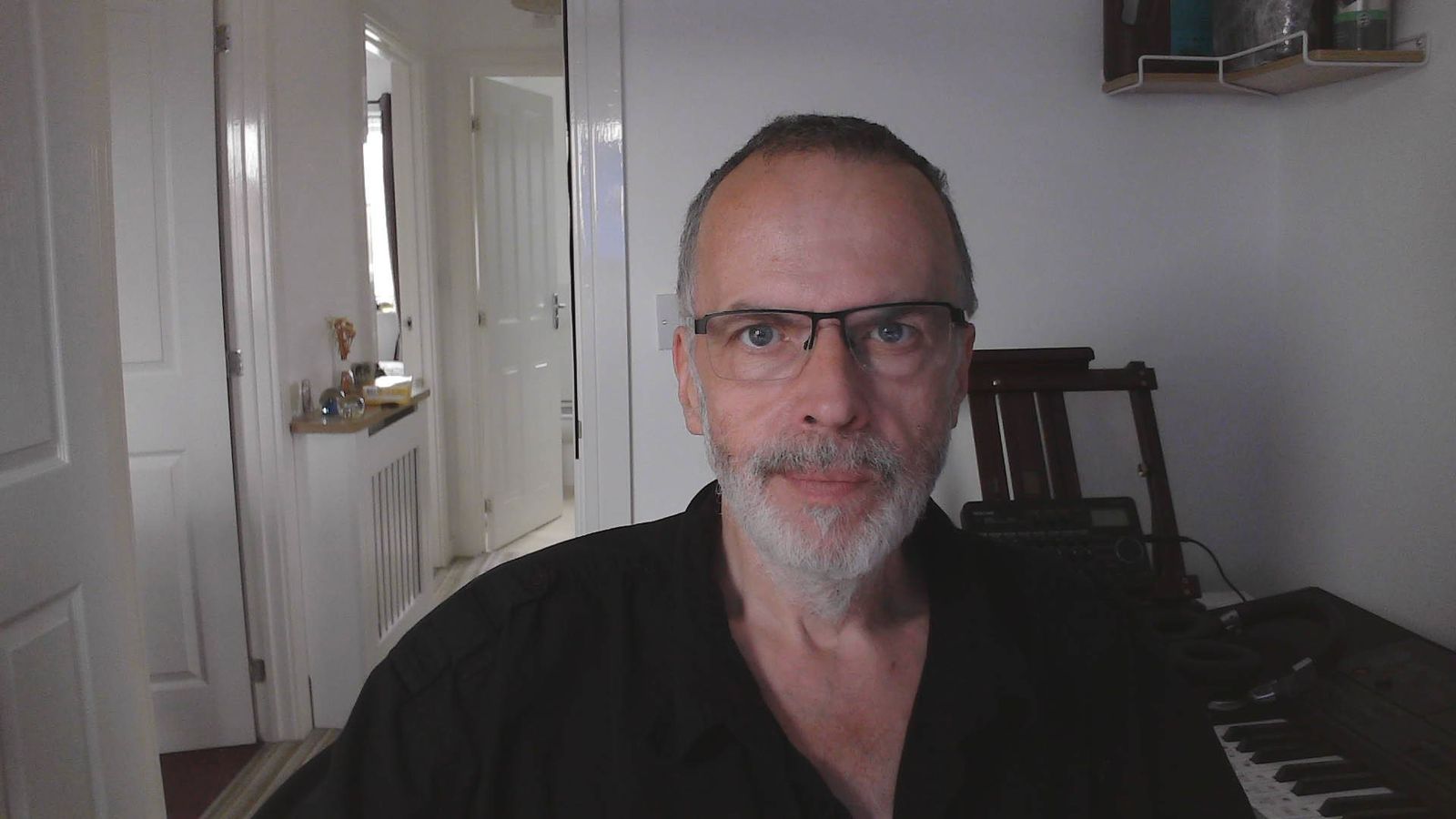
Peter Minister
Character Department Art Lead · Creature Designer · Digital Sculptor
Peter has spent over thirty years bringing characters and creatures to life, starting in traditional animatronics and special effects before moving into digital sculpting for game art, VR, and VFX. Most recently he led the character department at Airship Interactive. He's a specialist ZBrush artist, a former Pixologic Beta Tester, and a regular guest lecturer on digital sculpting at Futureworks, Manchester College and Staffordshire University.
Selected Credits
Airship Interactive · nDreams · Immotion VR · National Geographic · BBC Films · Granada International · Red Star Films · Studio Liddell
See his full portfolioPast work
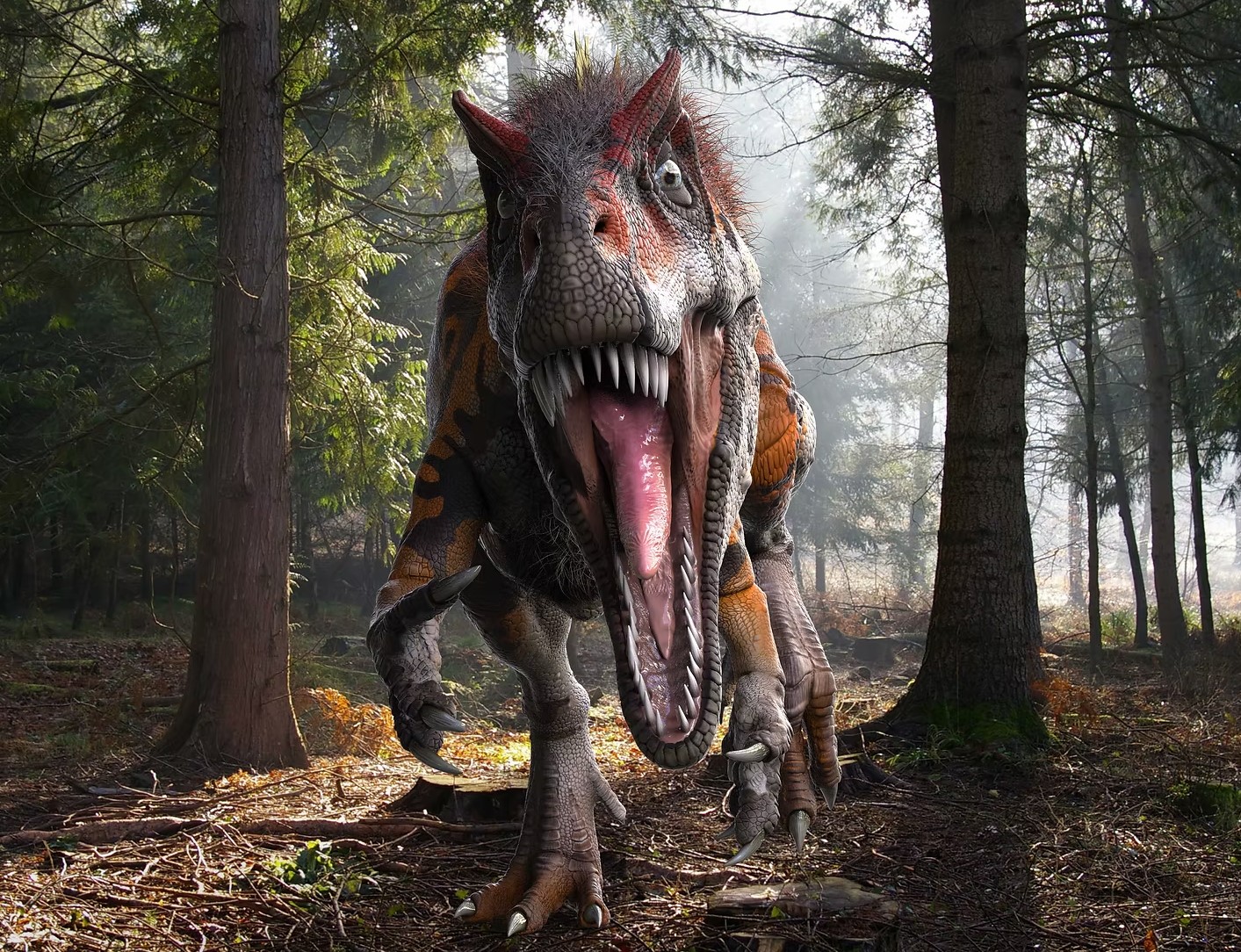
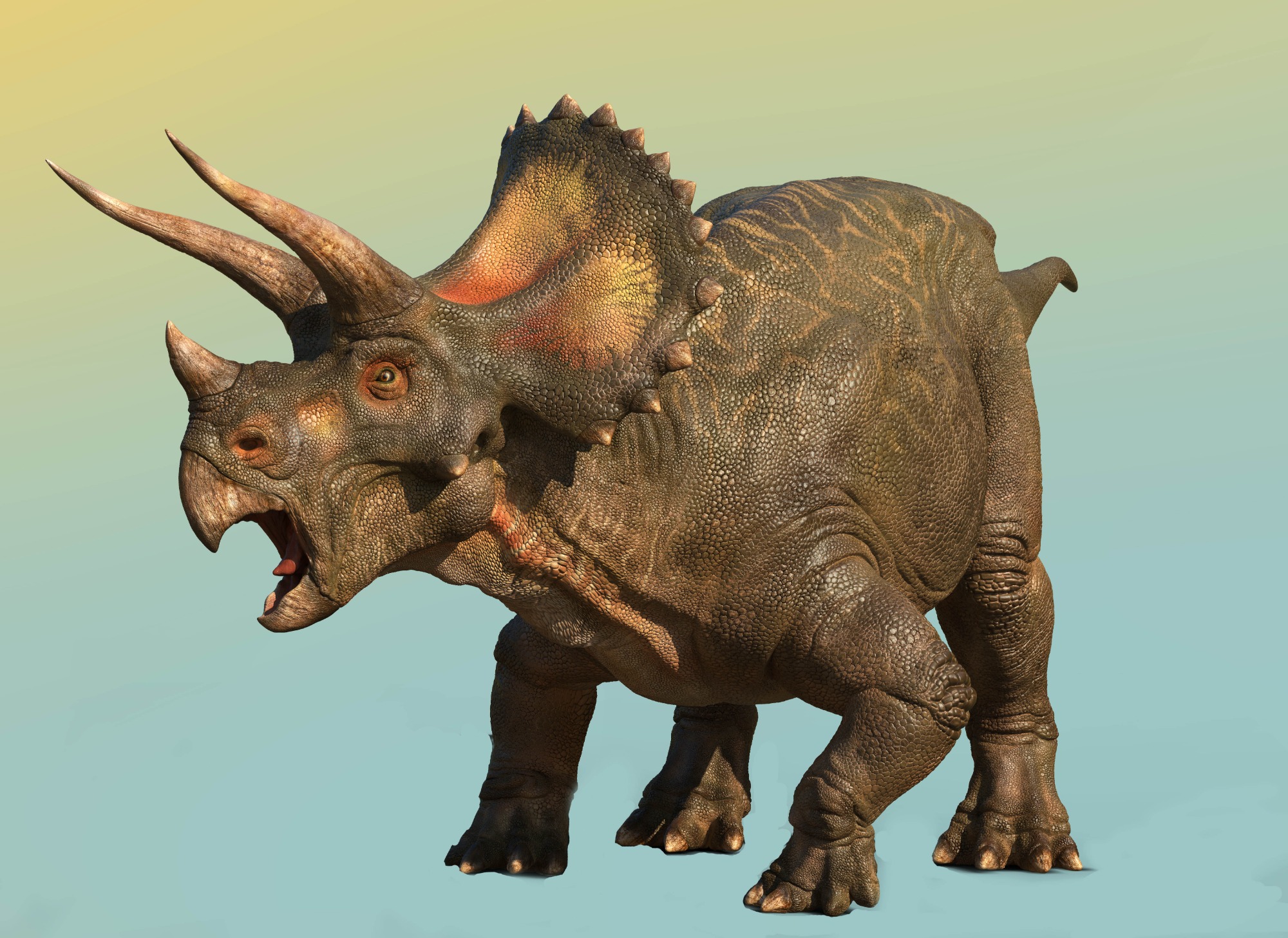
See more →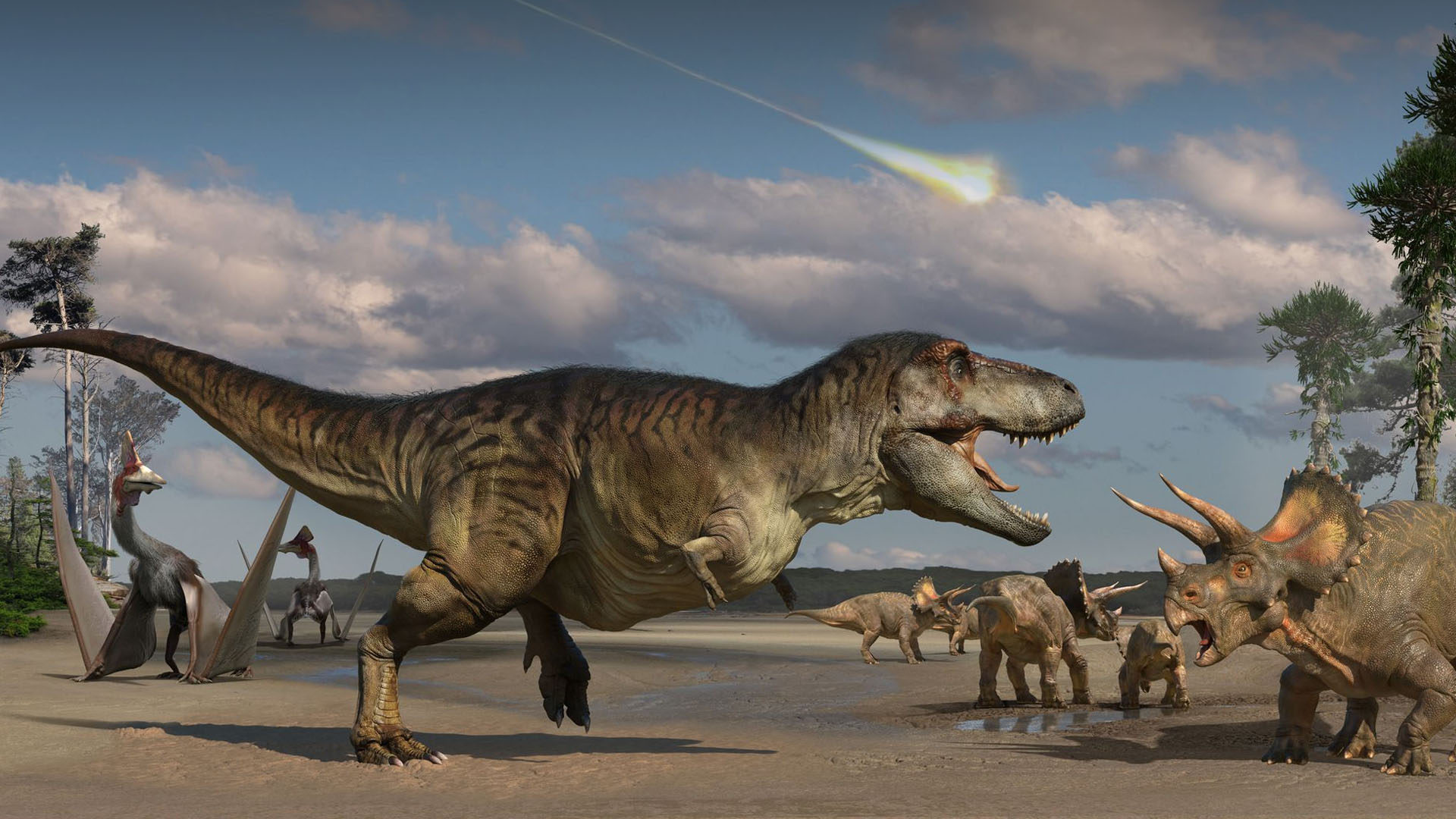
Common Questions
Apply Now
Fill in the form below and we'll be in touch to book your fit call.
Creature Creation in ZBrush
10 weeks - Live remote
£699total
£100 deposit + £599 remaining tuition fee
£100 deposit locks in your place on the cohort. Non-refundable.
£599 remaining tuition fee payable any time up until your first lesson.